A section is a finished piece of page rather than an empty box. A testimonials section already has the right spacing, the right type sizes and a sensible layout on a phone. Your job is to replace our example words with yours.
Sections are also how you get a page to a sensible length. A home page one screen tall reads as unfinished. Four or five sections that each answer one question is what a good small business page looks like: what you do, who you are, what it costs or what it involves, proof that you are real, and how to get in touch.
Step by step
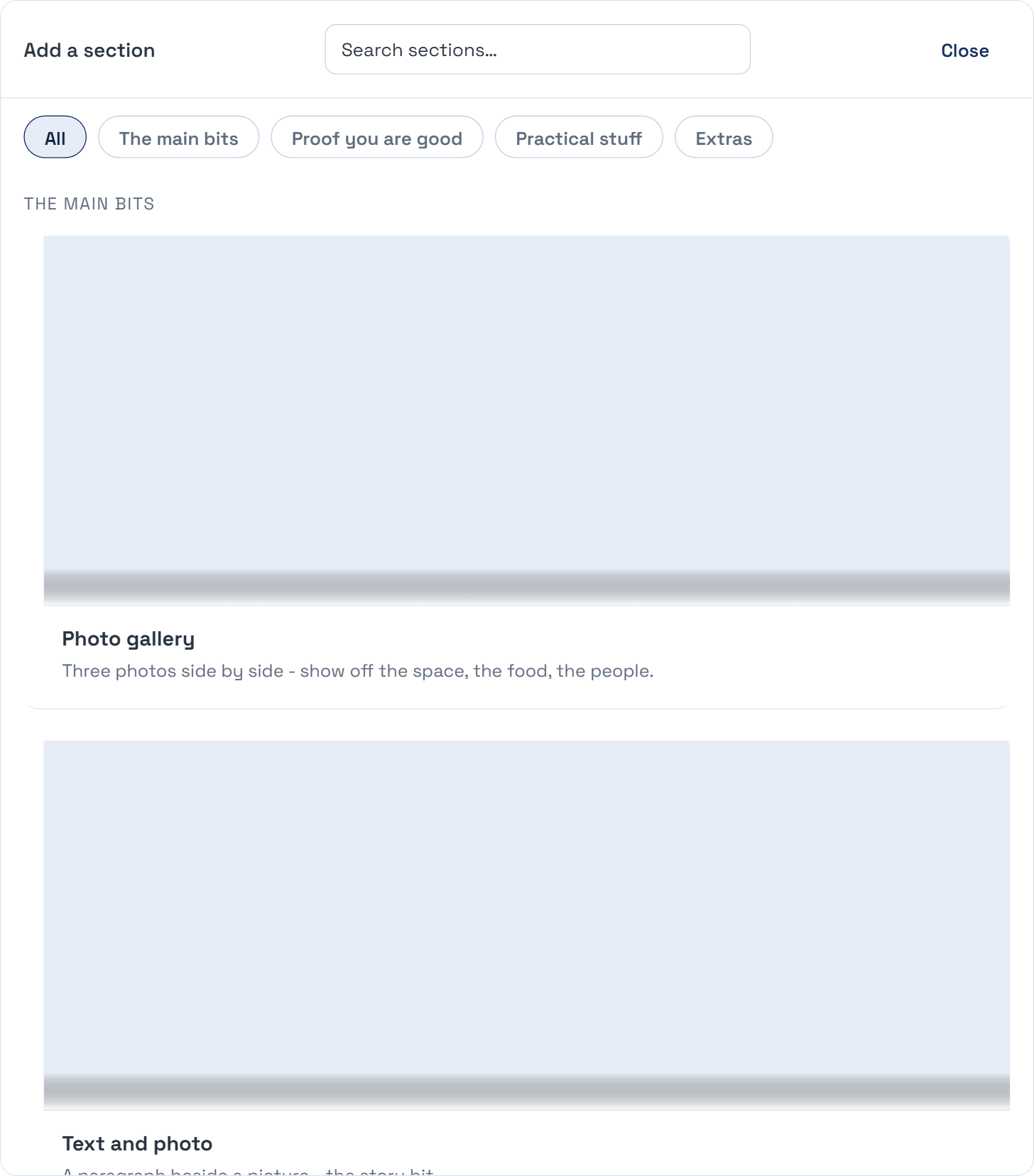
In the editor, press Add a section.
Pick the one closest to what you want.
Drag it to where it belongs on the page.
Replace the example words and photos with yours.
If it does not go to plan
The example text was still there after I published.
The editor flags anything still showing our example wording. Look for that flag before you publish. It is the most common thing we see on a newly live site.
The section looks wrong on a phone.
Tell us. Sections are meant to handle that themselves, so it is a bug on our side rather than something for you to work around.